Case Studies
BriefBox
Redesigning a Legal Platform

BriefBox is an all-in-one legal operations platform that helps in-house teams and law firms manage Matters, track Capacity, collaborate, and turn legal work into actionable, data-driven insights.
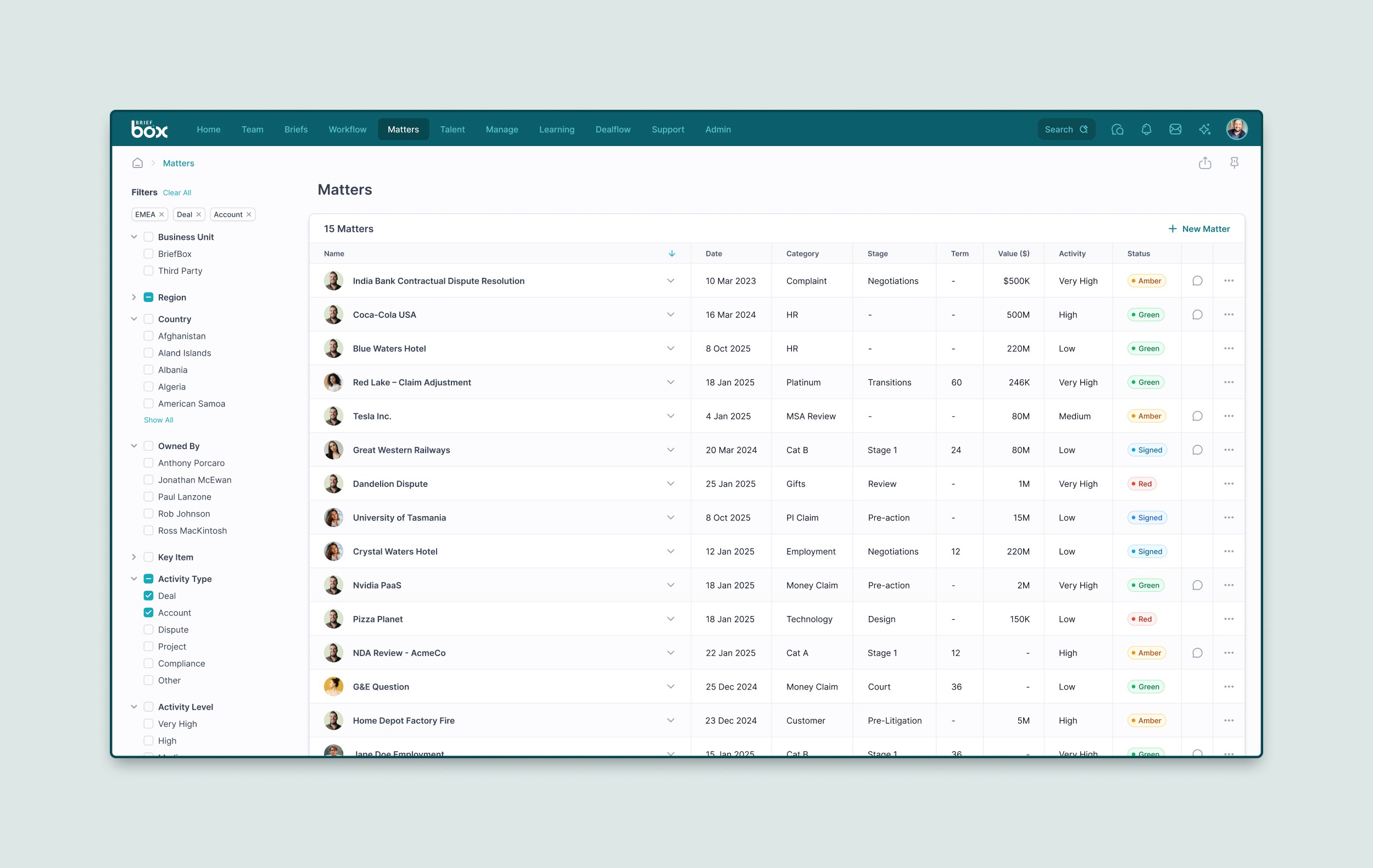
My Role
I led the creative direction and handled everything design-related, from UX, UI, information architecture, prototyping, and interaction design to the full design system and visual standards.
UX / UI Design
Information Architecture
Design Systems
Interaction Design
Prototyping
Creative Direction
Social Media
I also designed and built the marketing website in Framer, along with brand and sales materials, keeping the entire product ecosystem consistent from product to promotion.
Alongside that, I juggled multiple projects at once, stayed flexible to customer and
stakeholder needs, and supported the development team with QA and design implementation when needed.
I had full autonomy to shape every feature, layout, and visual decision, working directly with the founders and team to bring the vision to life.
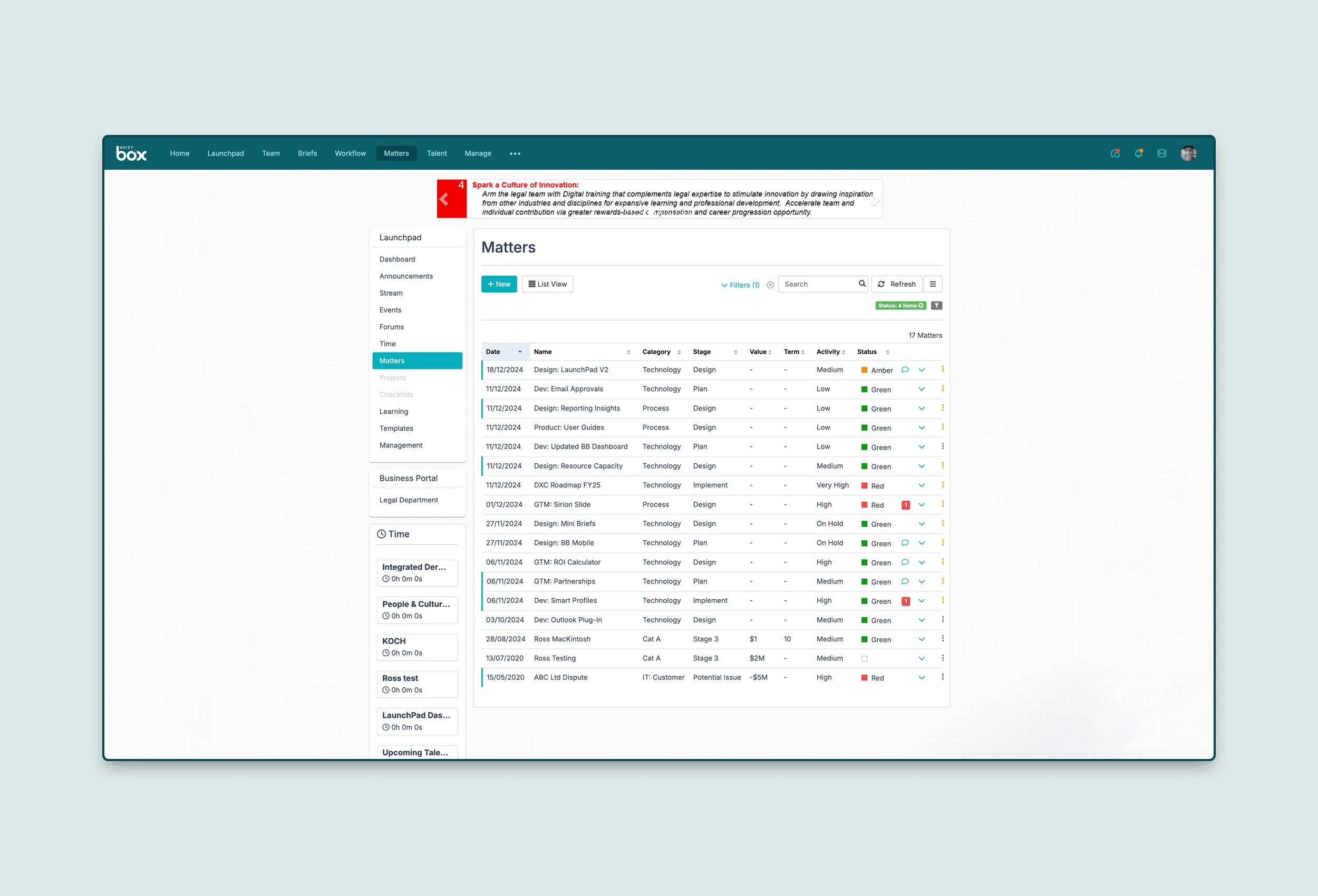
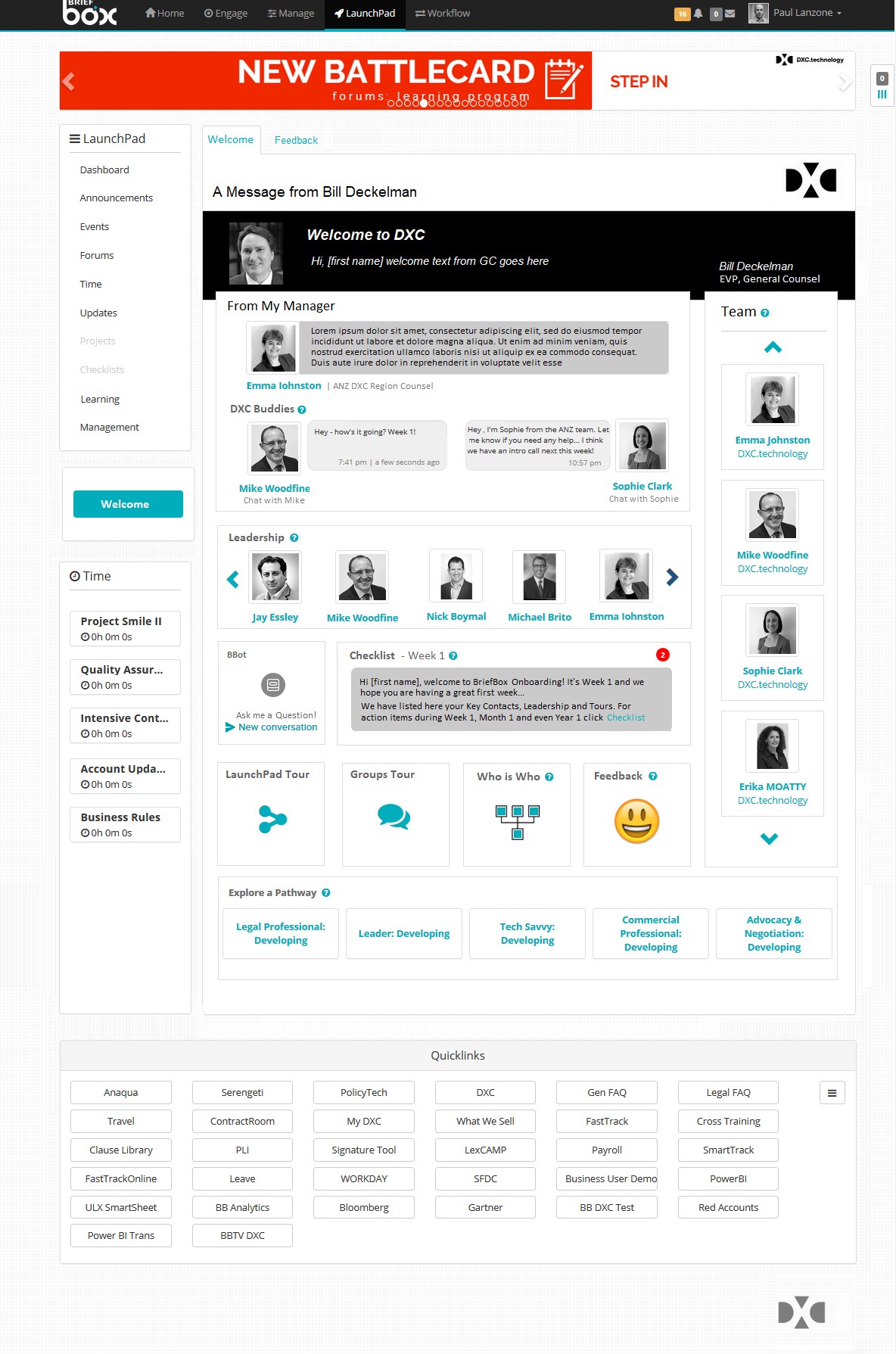
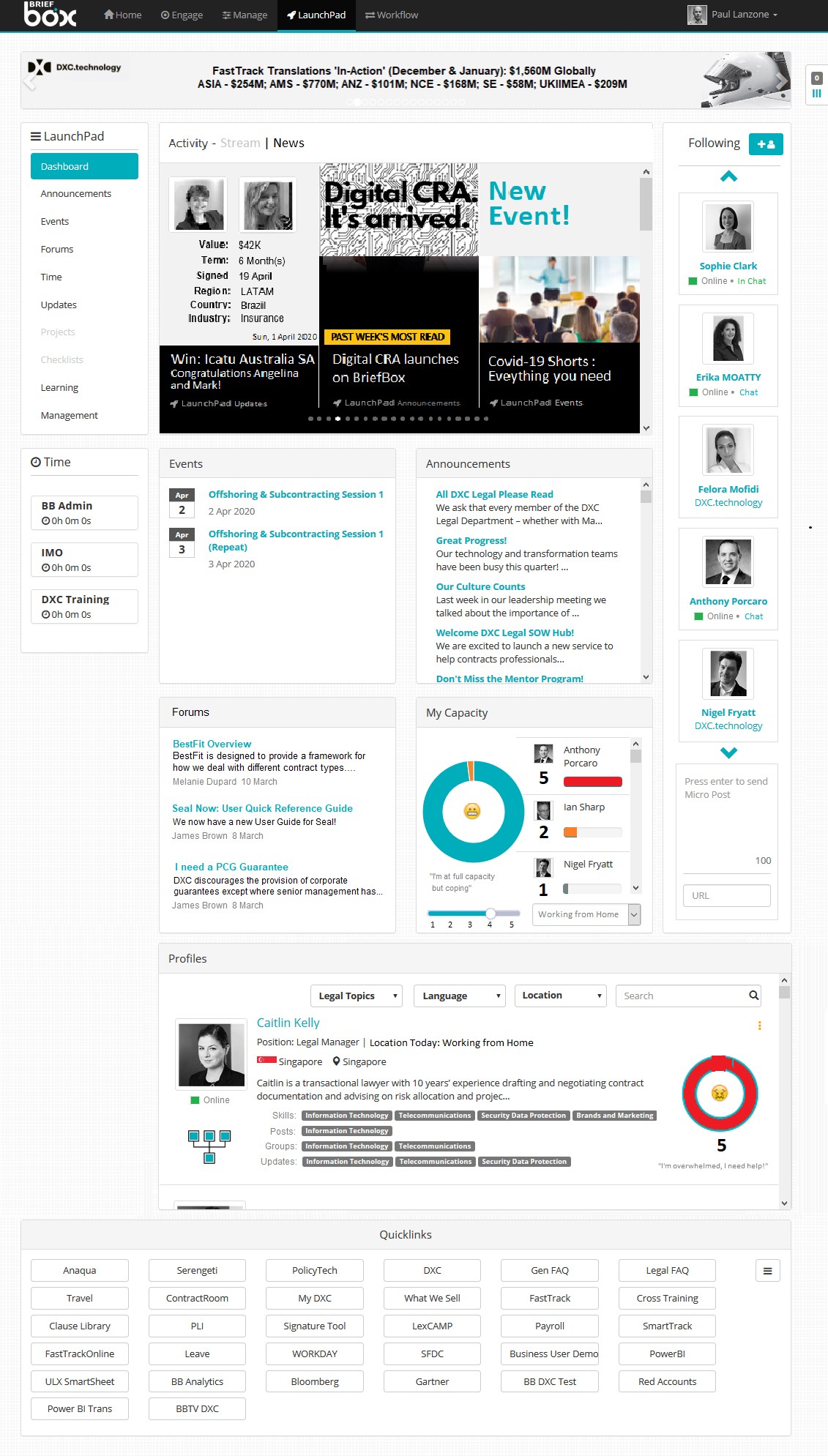
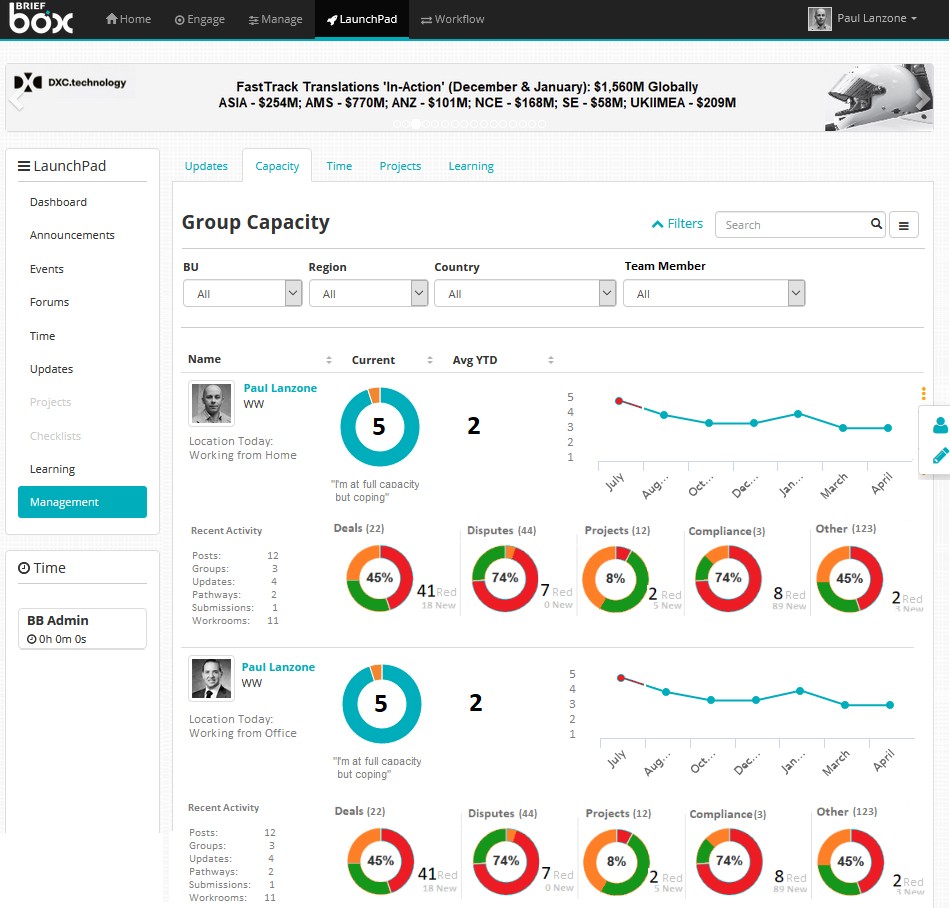
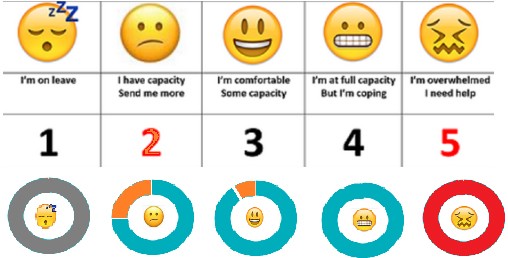
Examples of the old ui design
The Problem
The platform was powerful, but the experience wasn’t. Once people learned how to use it, they loved it, but good products shouldn’t need a training manual.
Navigation
The navigation was confusing and features buried in odd places.
Dated UI
The UI looked dated and was putting new clients off.
Colours
The colours where harsh and needed tweaking.
Fonts
These looked dated and a little harsh on the eye.
Hierachy
Page structure and layout was lacking flow, clarity and hierachy.
Clickity-click
Simple tasks took to many clicks and where difficult to find.
Training
Onboarding a new user took days and they needed training to get started.
Where I started
I was originally asked to redesign a few screens. But pretty quickly I realised the problem wasn’t just the screens - it was how everything was structured.
The navigation didn’t make sense, flows were clunky, and the system had grown in too many directions without a plan.
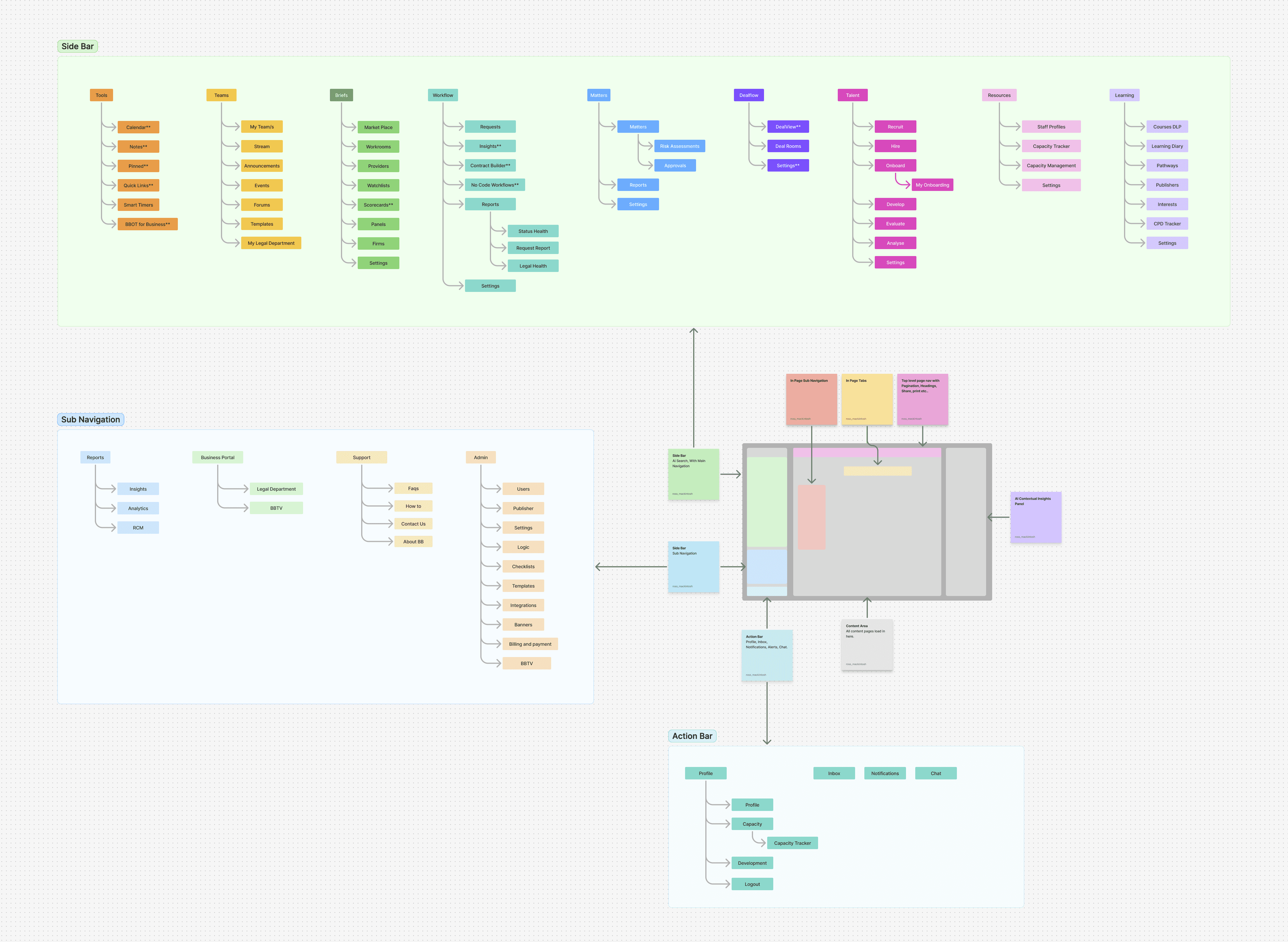
So I started exploring new navigation ideas and mapping out the structure of the platform. Once I showed the team a cleaner and simpler way forward, they agreed: this needed to be a full redesign, not just a reskin.
The Approach - Step 1 - Fix the Navigation
We tackled it in stages so we could keep the product alive while rebuilding it.
BriefBox
The Approach
We tackled it in stages so we could keep the product alive while rebuilding it.
1. Fix the Navigation
[3-step slider or horizontal scroll section – old nav → interim nav → final left nav]
Cleaned up the top-level structure.
Grouped things where people naturally expected them.
Introduced a simpler, flatter layout first — then moved to a scalable left-hand nav once the system caught up.
Taking the Initiative
When I joined, I could see the navigation was the root of most user frustration.
I took the initiative to audit the full app structure, mapped where everything lived, and created a proposal for a cleaner, more logical navigation.
After presenting this to the founders and CTO, we agreed on a two-phase plan:
Phase 1: Fix the existing top nav to make it cleaner, consistent and aligned with the future vision.
Phase 2: Rebuild the full left-hand nav based on my proposed structure — scalable, role-aware, and future-proof.
This approach let us make immediate improvements without disrupting users, while laying the groundwork for a complete IA overhaul.
[Insert image – Nav Evolution: Old → Interim → Final Left Nav]
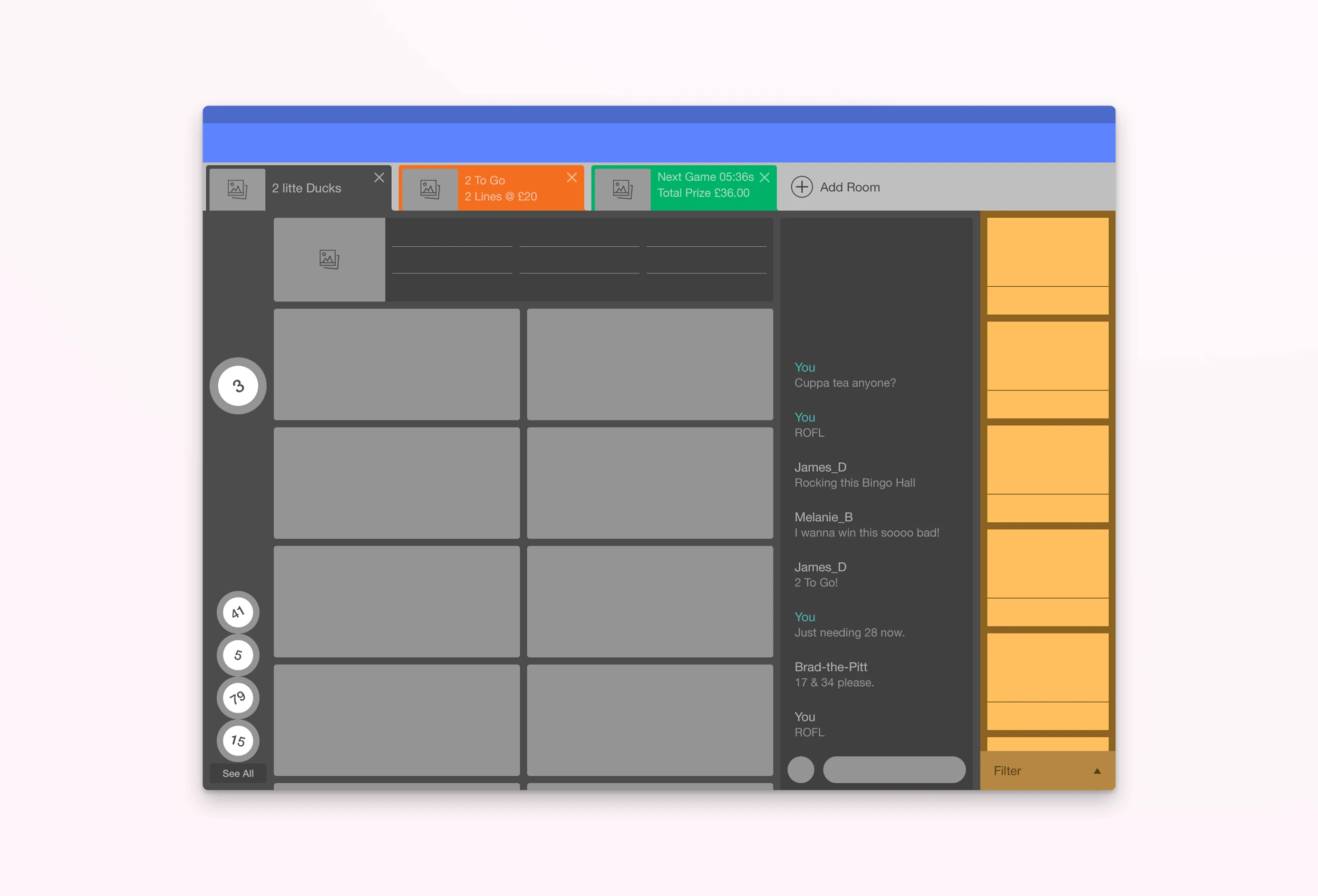
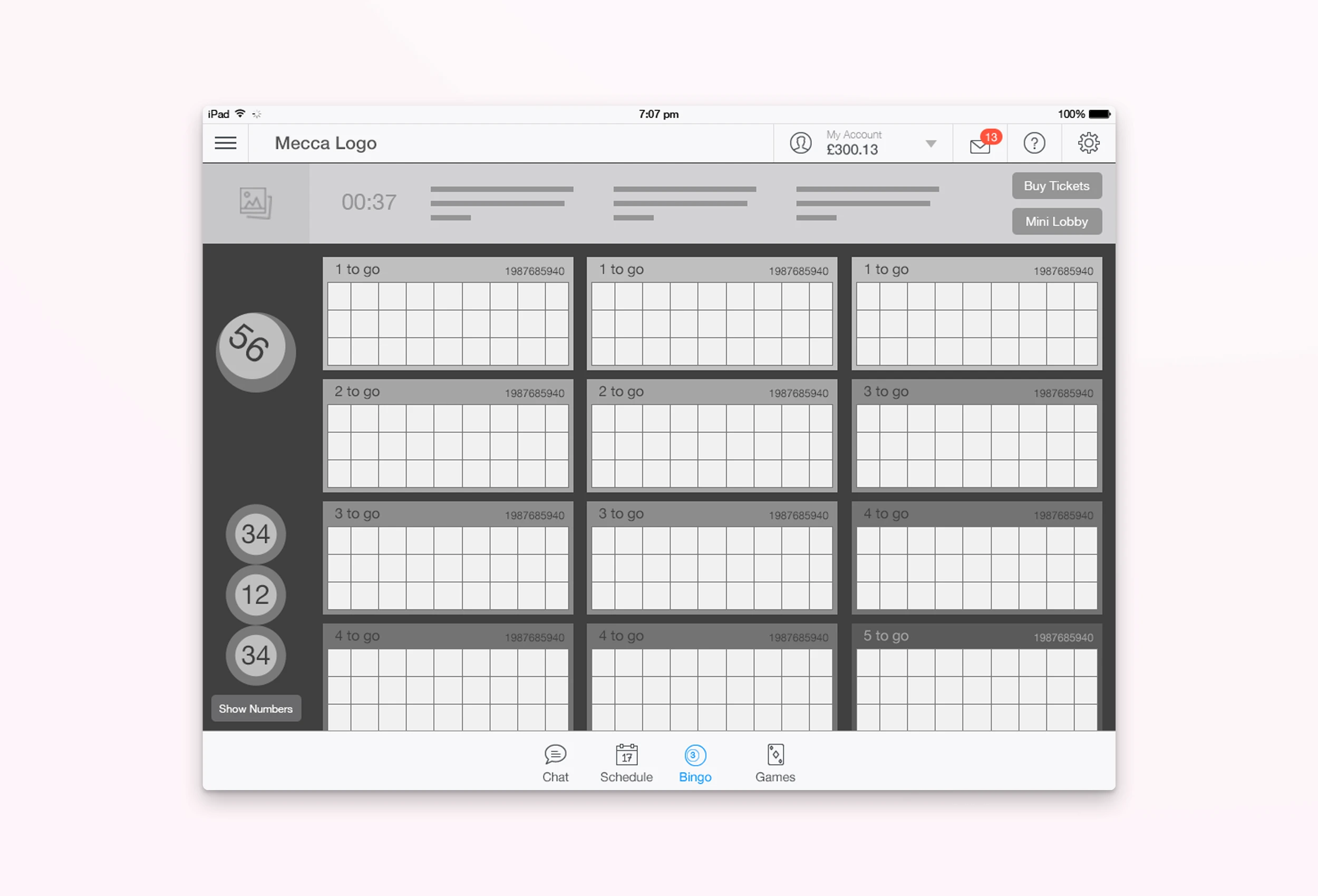
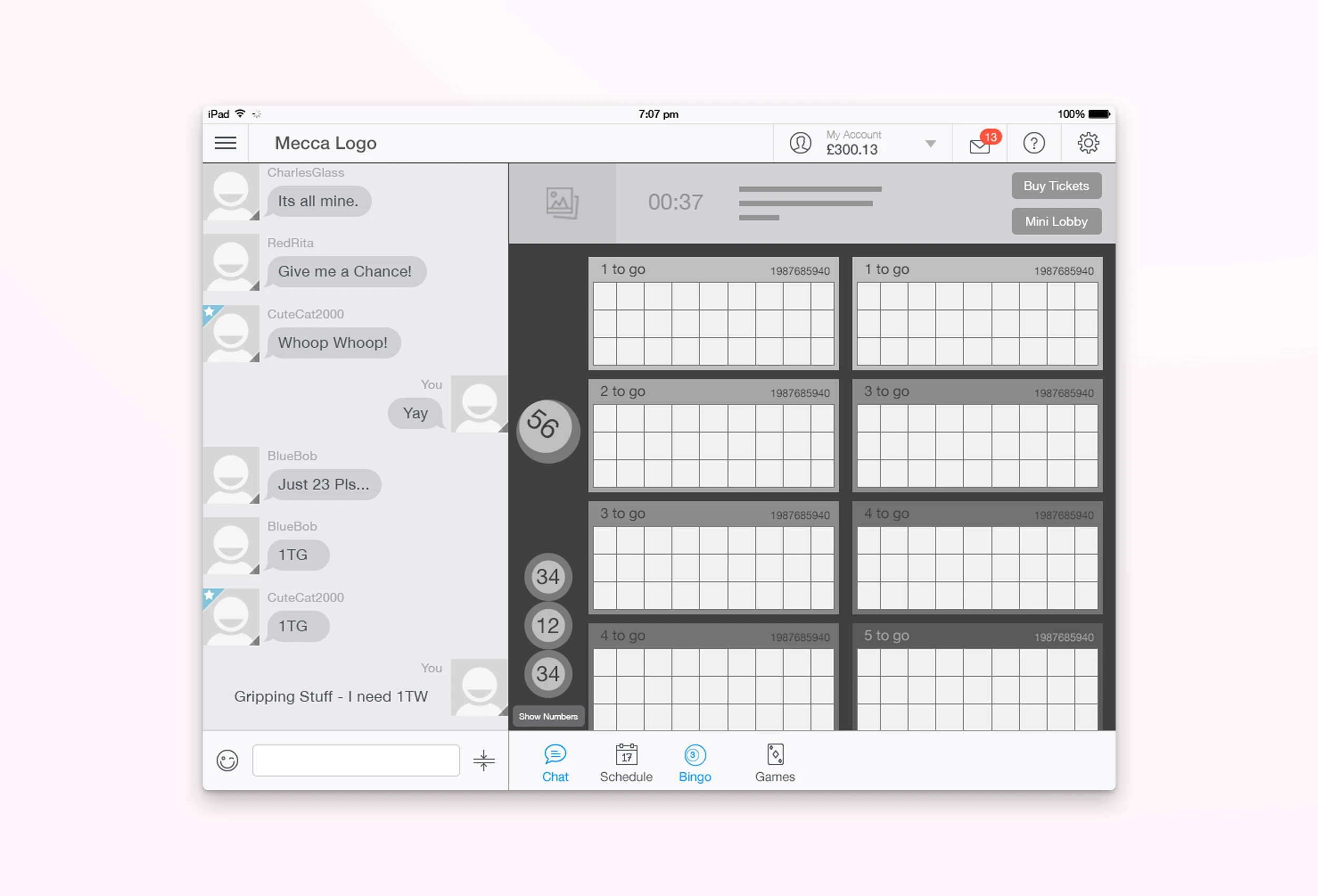
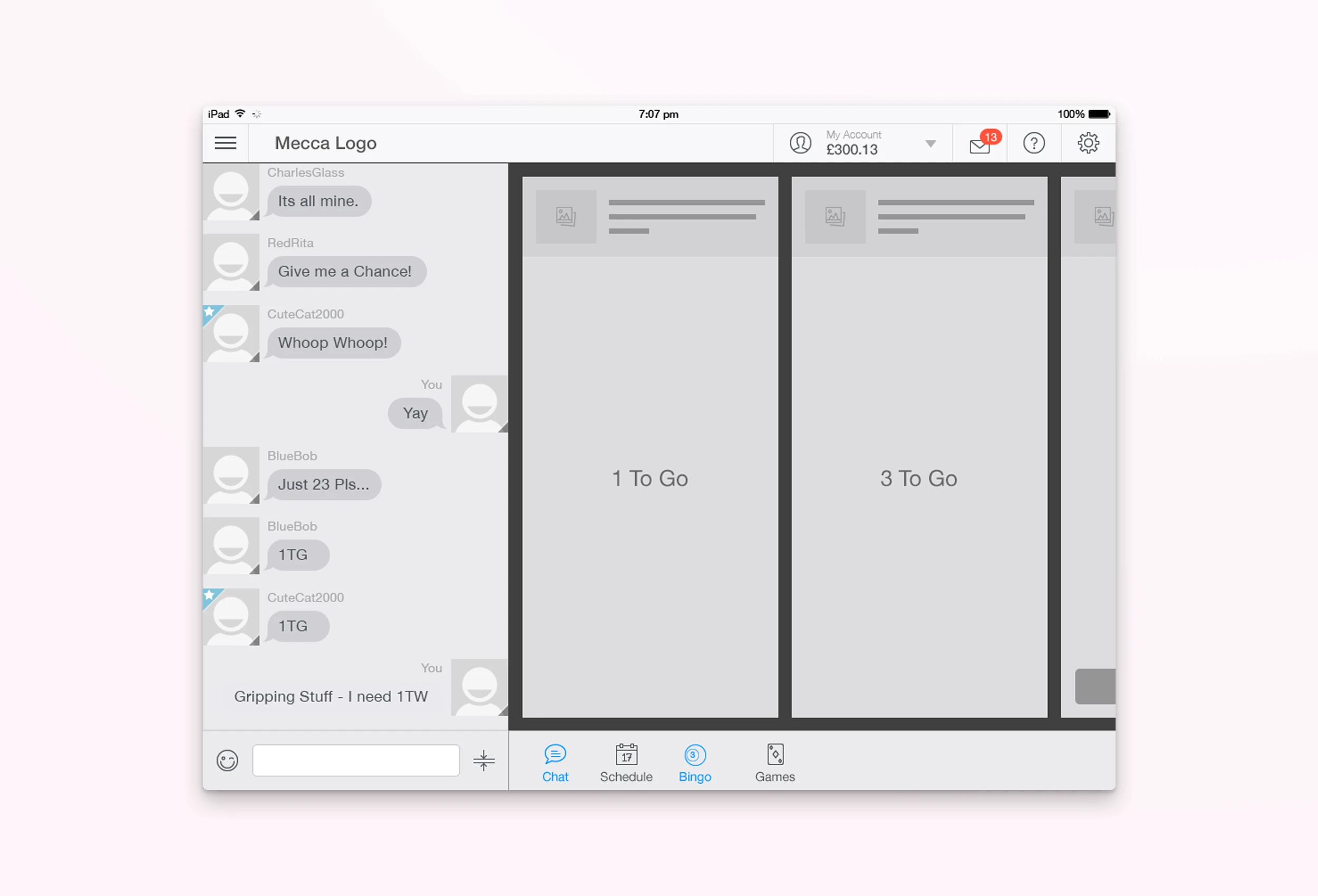
A few samples of the original wireframes.
BriefBox
The Approach
2. Build a Design System
Started with an existing base and rebuilt it to fit BriefBox.
Created components, grids, spacing, colours, type, states — the lot.
Designed it so new UI and old UI could run side-by-side during the transition.
[Insert image – Design System / Components screenshot]
Refining the Visual System
[Add screenshots: colour palette, typography samples, spacing grid]
Alongside the design system, I overhauled the visual standards to bring clarity and consistency everywhere BriefBox appeared — from app screens to marketing.
Colour system: I refined and rebalanced the existing palette so it felt more modern and cohesive, then applied proper WCAG 2.1 contrast ratios to ensure accessibility across light and dark contexts.
Typography: Introduced a new font, Inter, and set consistent hierarchy, spacing, and line heights to make the product feel cleaner and easier to read.
Consistency: Updated colour and type usage across the app, mobile, and promo materials so the whole ecosystem felt unified.
These adjustments may seem subtle, but together they transformed the product’s personality and legibility — it simply felt more confident and usable.
A few samples of the original wireframes.
BriefBox
The Approach
3. Clean Up Page Layouts + Flows
Redesigned pages to be clearer, less noisy, and more task-focused.
Reduced the number of clicks needed to get things done.
Mapped complex flows like Matter Management with AI risk overlays, Smart Profiles, onboarding, etc.
[Insert image – Before & after of a key screen, e.g. Matter view]
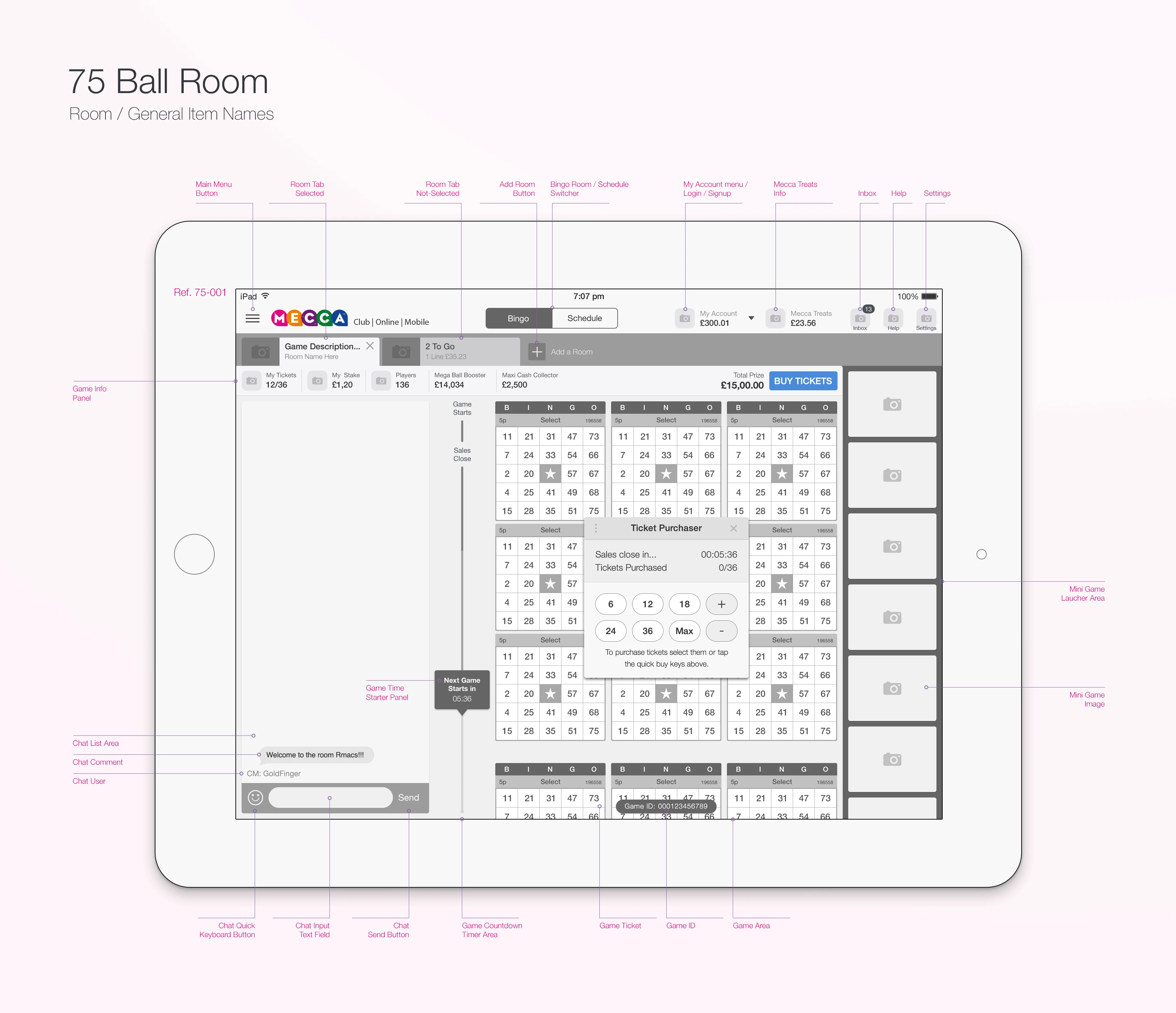
A few samples of the original wireframes.
BriefBox
The Approach
4. Slow, Safe Rollout
Dev team was small — and working across 6–7 different versions of the platform.
Some were running on old React builds with UI components hard-coded into pages.
So we built a flexible framework where the new UI could be plugged in module-by-module without breaking anything.
BriefBox
Challenges
Tech debt everywhere - multiple databases, old React versions, hardcoded UI.
Small dev team, high pace.
New UI had to work alongside old UI until all screens were updated.
Communication was messy (Teams, Slack, Jira - should’ve stuck to just one).
BriefBox
The Result
A platform that feels modern, clean and actually pleasant to use.
Navigation that makes sense — no more “where is that thing again?”
Users could onboard themselves in minutes instead of days.
Developers loved working with the new system.
Stakeholders were proud to show it to clients.
Interest from new firms picked up quickly.
[Insert image – Final UI screens / dashboard / nav in action]
“These changes did more than make the product look modern — they made it feel consistent, predictable and professional. Navigation was simpler, text was easier to scan, colours passed accessibility checks, and everything from the web app to LinkedIn banners looked like part of one unified product.”
BriefBox
Beyond the Product
As the platform took shape, I also helped evolve the BriefBox brand and presence beyond the app.
Mobile App
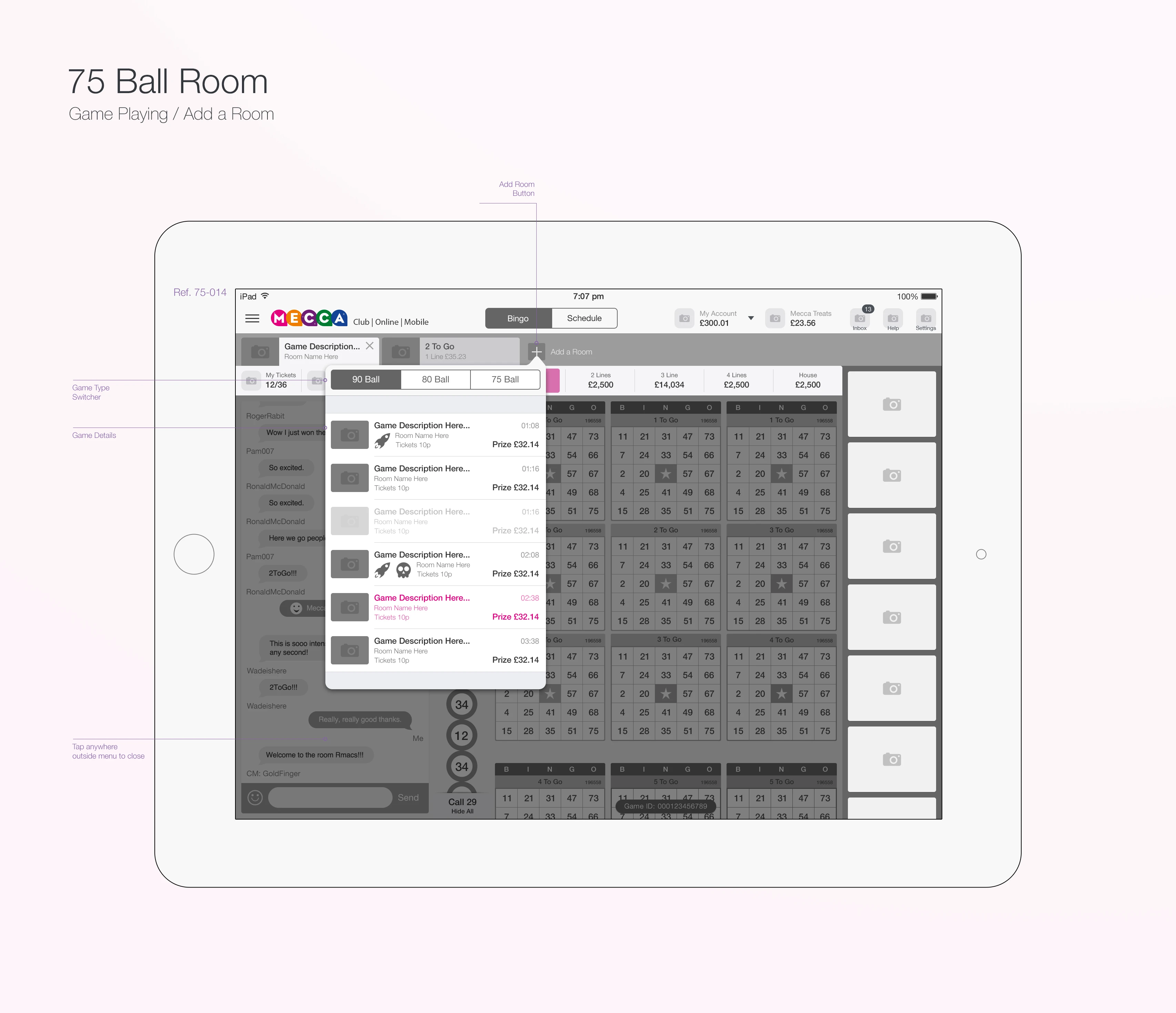
I redesigned the mobile experience to keep it consistent with the new web UI — cleaner navigation, tighter layouts, and a simplified structure that made it easy to manage matters on the go.
It was built around the same design system for a unified feel.
[Insert image – Mobile app screens side-by-side]
BriefBox
Brand and Marketing
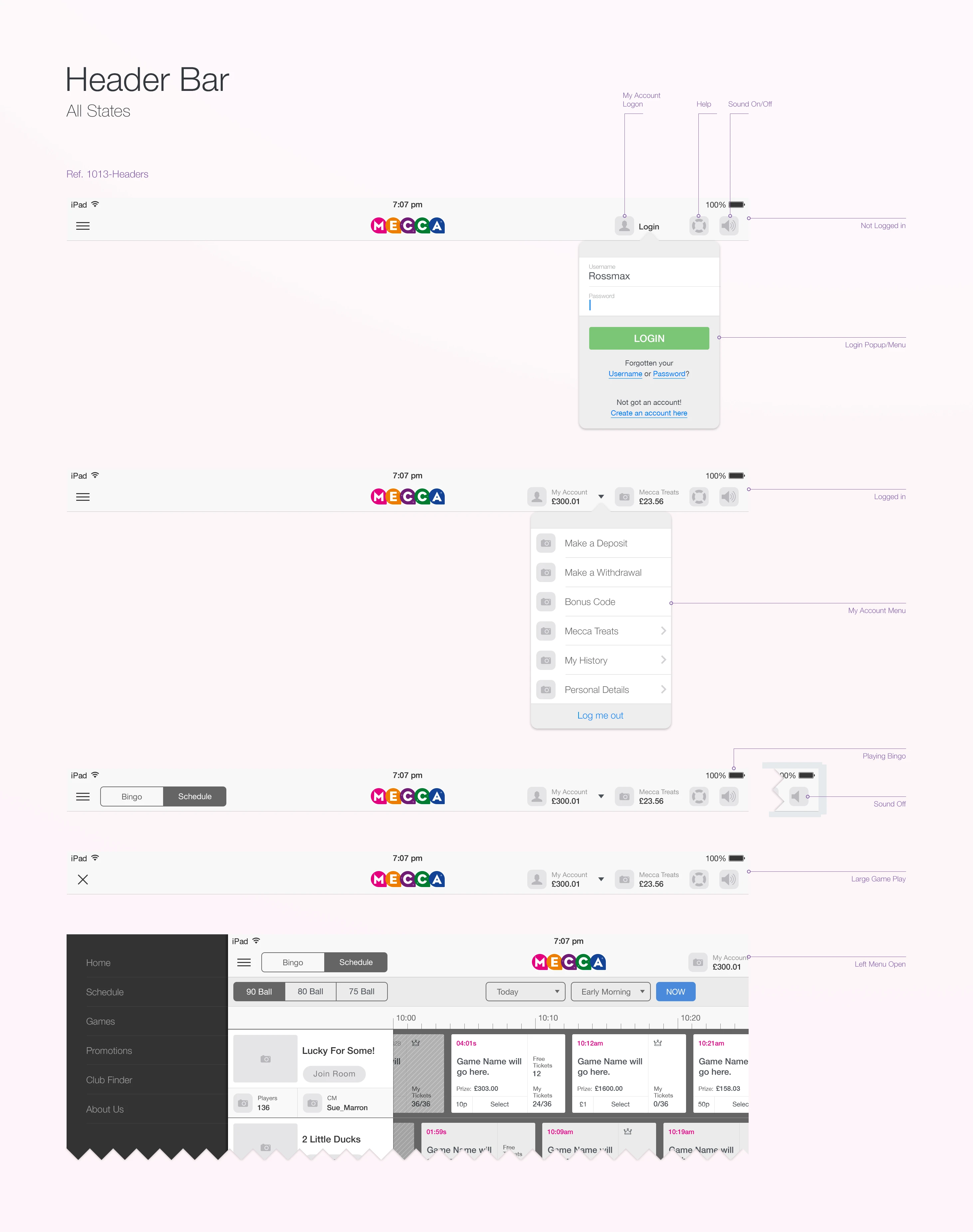
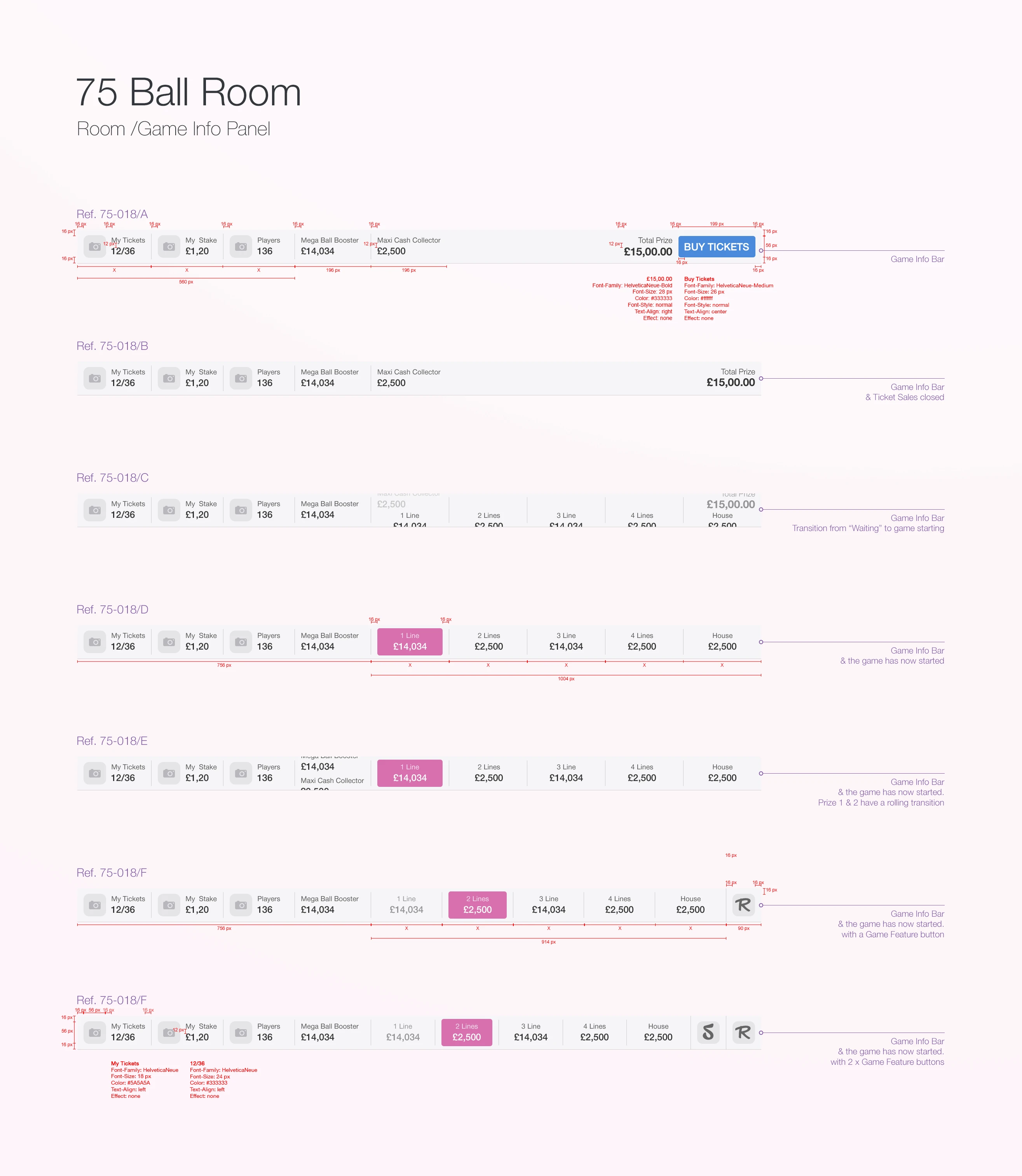
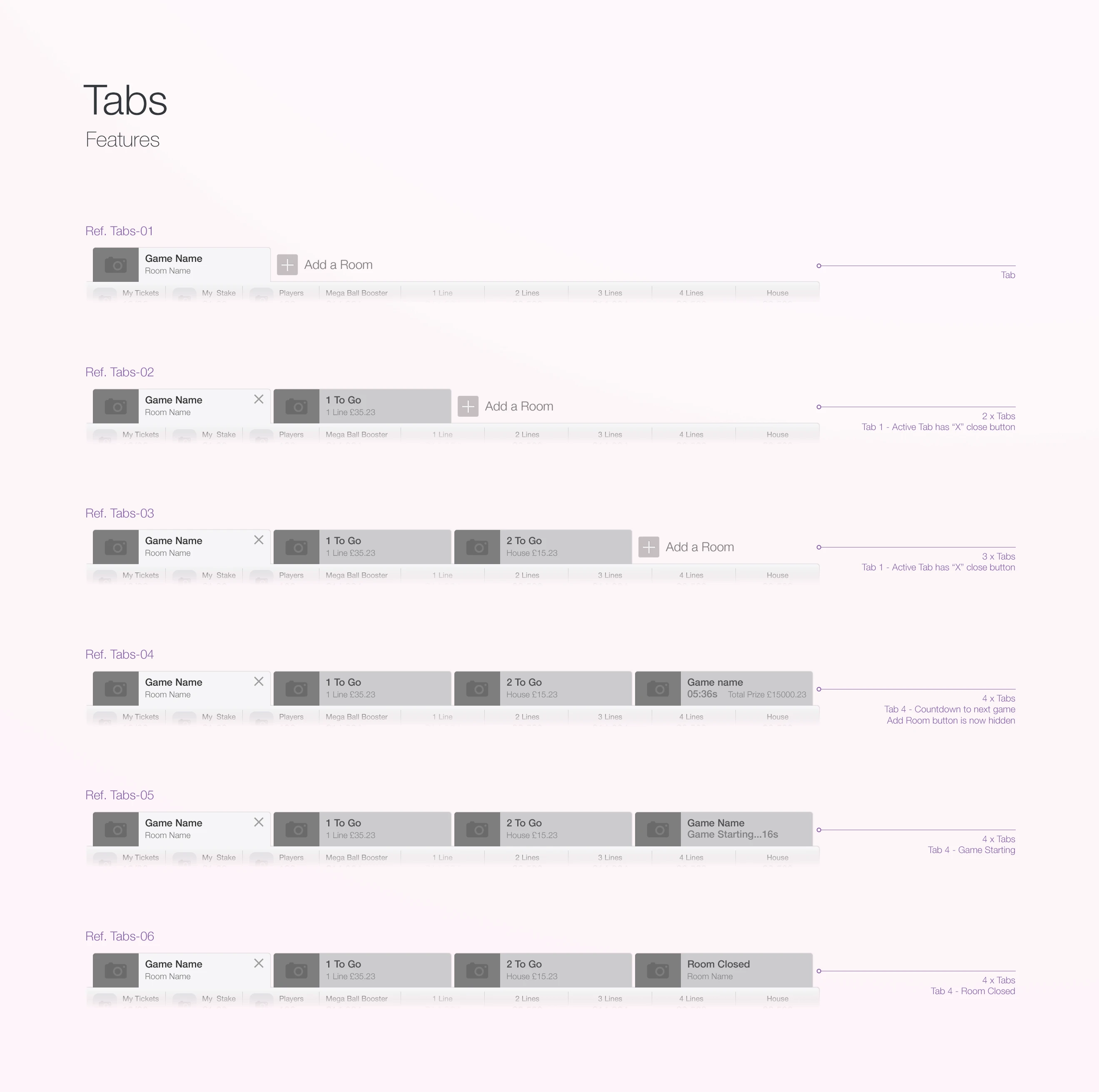
I created a full suite of branded visuals and collateral to help BriefBox look polished and consistent everywhere it appeared:
LinkedIn ads and campaign banners
Presentation templates
Letterheads and branded documents
Large-format graphics and roll-up banners for events
[Insert image – Example LinkedIn banner or printed promo]
BriefBox
Sales Website
Using Framer, I designed and built the new BriefBox sales website — a modern, responsive site that matched the product’s new look and feel.
Version 1 included a series of bold, banner-style headers that we now reuse across marketing materials and pitch decks.
[Insert image – Website hero or banner section]
BriefBox
Print and Promo
I also produced print-ready sales documents, promotional sheets, and large-format advertising boards used for conferences and client pitches.
[Insert image – Roll-up banners or printed collateral]
BriefBox
What I'd Do Again (and better next time)
Invest even more time into the design system early — it pays for itself.
Focus less on patching legacy screens, more on building for the future.
Keep communication to one place — decisions get lost when spread across tools.
And always start with structure, not just surface.
BriefBox
Final Thoughts
BriefBox is a complex product — but the goal was simple: make it easy for lawyers to get their work done.
And that’s what we did.